Host and share 3D Gaussian splats
Upload a trained splat and visitors walk through it in any browser.
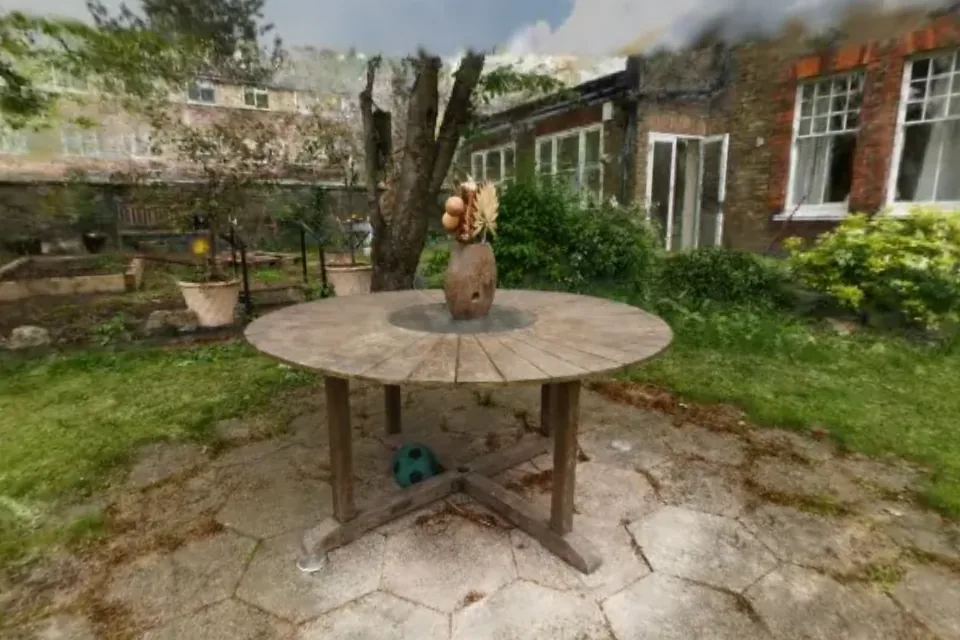 Gaussian splatGarden
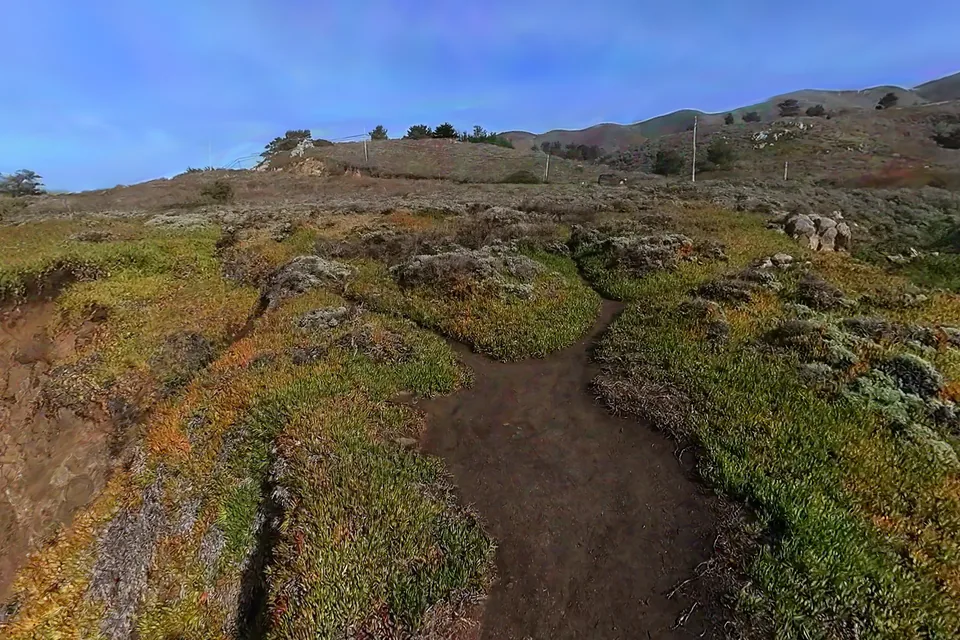 Gaussian splatBig Sur Coast, California
Files that work
A PLY from a 3DGS trainer is the usual starting point.
Spacery reads standard 3D Gaussian splatting PLY files with their color, opacity, scale and rotation for every splat. That is what Postshot, Polycam, Luma, Scaniverse, nerfstudio, gsplat and Brush export. SPZ, KSPLAT and SOG files open too.
Older .splat files saved by 2023 viewers such as GaussianSplats3D use a compressed layout that current renderers cannot read. Spacery recognises them and converts them for you.
Upright and framed
The space opens level and pointed at the subject.
Splats often come out of training tilted. Spacery finds the ground in the dense part of the capture, turns it level and frames the opening view on what the cameras looked at most, so stray floaters at the edges do not push the camera back. You can set a different start view whenever you like.
Walking through a splat
Visitors move through a splat much as they would walk through the place.
A ring on the ground follows the pointer and a click walks there at eye height. The arrow keys and WASD walk and turn, and holding Shift runs. Pull back for a view from above, then double click to step back in.
No splat yet
Upload the footage instead and Spacery trains one.
A phone video or a set of overlapping photos works, and so does 360 video. The Big Sur example above was trained from three 360 videos.