Turn Insta360 and 360 video into a tour or a 3D space
Walk through a place with a 360 camera and upload the footage straight from the card.
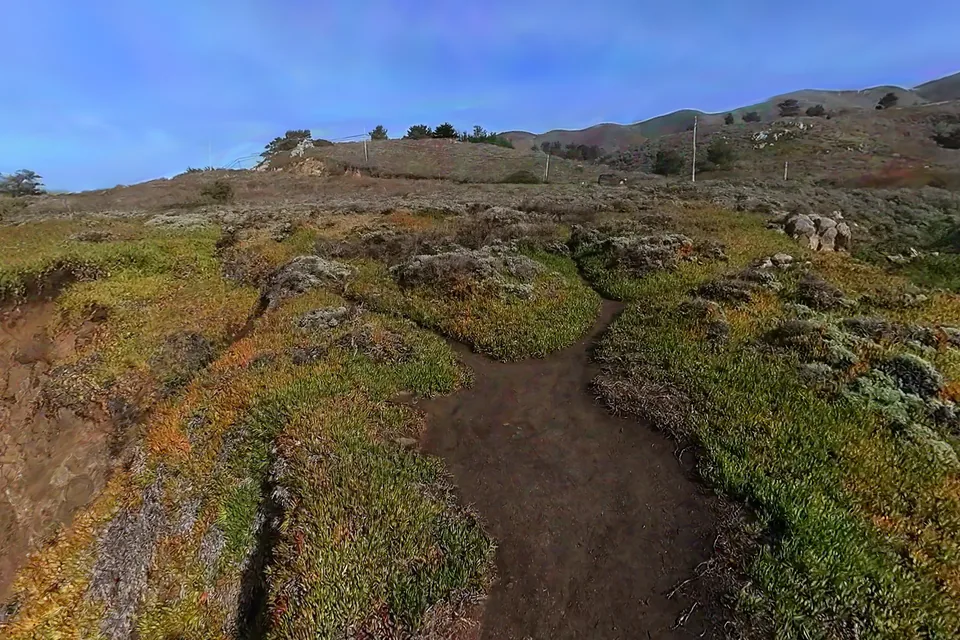 Gaussian splatBig Sur Coast, California
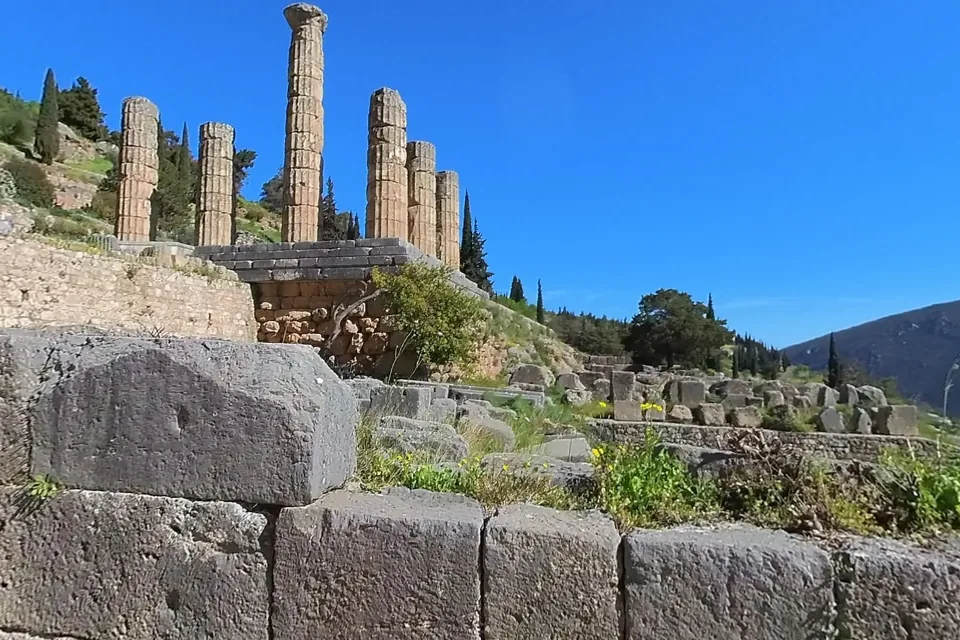 360 videoThe Sanctuary of Apollo at Delphi
Raw Insta360 files
There is no need to export from Insta360 Studio first.
Spacery stitches .insv video and .insp photos itself. The ONE RS 1-Inch saves each video as two files, one for each lens, while ONE X cameras keep both lenses in one file, so upload whatever your camera made. The low resolution LRV previews are skipped.
The camera's motion sensor marks the moment you lift the stick and lower it again, and Spacery trims those parts off. The person holding the camera stays visible at the very bottom of each view.
Stitched 360 video in the usual equirectangular layout works too, from any camera.
As a tour
A frame every few seconds becomes a stop.
For a tour, Spacery takes a frame every two to four seconds of walking and turns each one into a stop, so a slow walk becomes a path visitors can follow with Previous and Next. Tight corridors, tombs and stairs get frames closer together.
As a 3D space
The same footage can train a Gaussian splat.
Every frame is cut into ordinary camera views, COLMAP works out where the camera was for each one, and a Gaussian splat is trained on a GPU. Visitors can then leave the path you walked and look around from anywhere.
The Big Sur coast above began as three 360 videos, about six minutes in all, shot while walking the headland.
Shooting tips
Walk slowly and hold the camera above your head.
Keep a steady pace and the same height the whole way. Slow down even more in narrow places so that neighbouring frames overlap, and avoid quick turns. For a splat, walk loops that pass the same spots from different directions.