Turn 360 photos into a virtual tour
Every photo becomes a stop, in the order you took them.
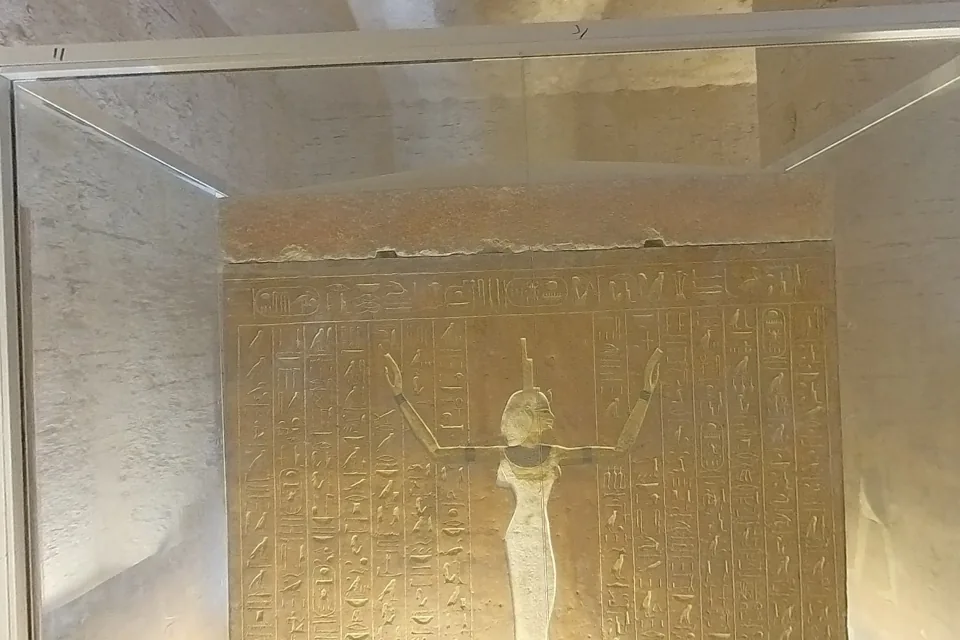 360 photosThe Tomb of Thutmose III
What to upload
Stitched 360 photos that are twice as wide as they are tall.
This is the equirectangular format most 360 cameras save, such as 5760 by 2880 pixels from an Insta360 or 5376 by 2688 from a Ricoh Theta. JPEG, PNG and WebP all work, and photos of any other shape are skipped and named in the note you get when the space is ready.
Raw .insp photos from an Insta360 work without stitching them first. When the camera saved a bracket of exposures, Spacery uses the most evenly exposed one. Read more about Insta360 files.
The order of the tour
Stops follow the numbers your camera gave the files.
Cameras number photos in the order you take them, so the tour follows your walk. Each stop opens facing the middle of its photo, and Previous and Next step through the tour. When your files have meaningful names, such as Kitchen or Stair hall, they can become the titles of the stops.
Photos or a walkable space
Many photos taken a few steps apart can also become a 3D space.
If you took 360 photos every few steps through a place, Spacery can reconstruct a Gaussian splat that visitors walk through freely. A handful of photos taken rooms apart stays a tour, because there is not enough overlap to rebuild the space in 3D.