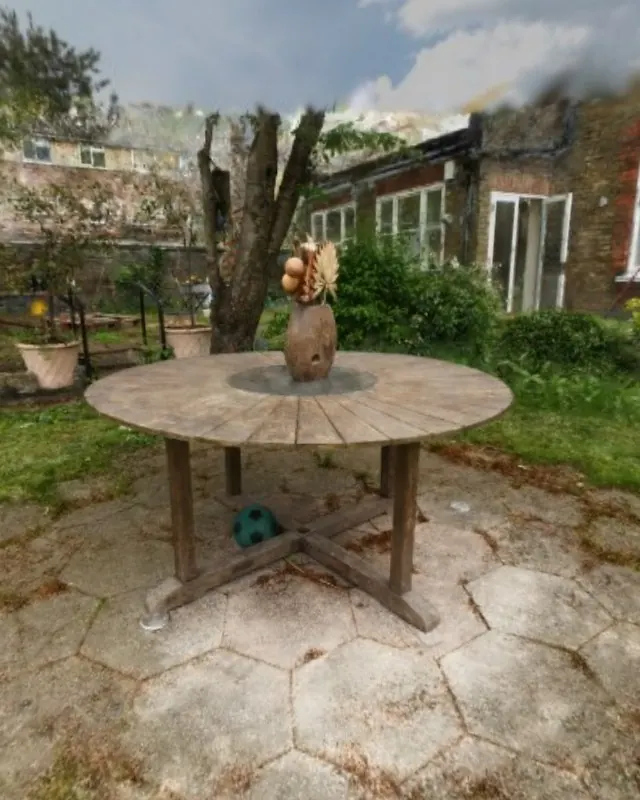
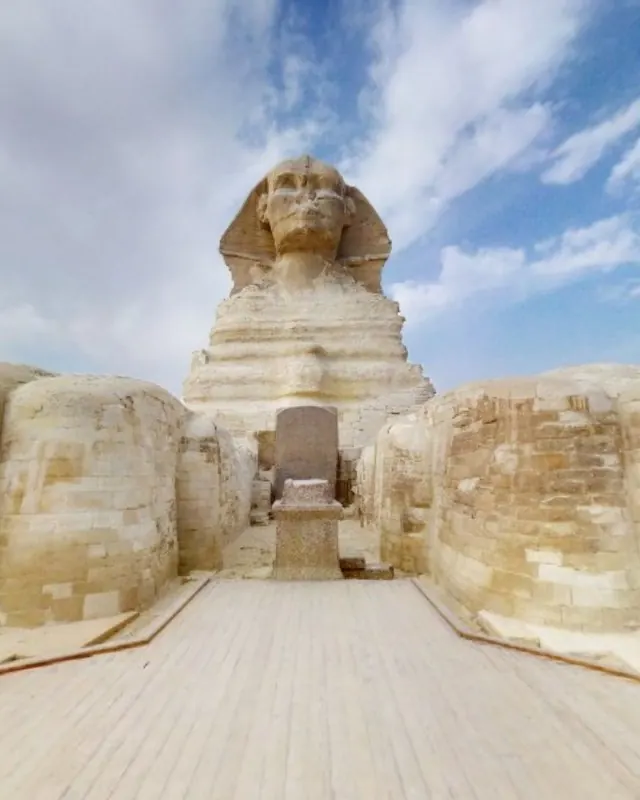
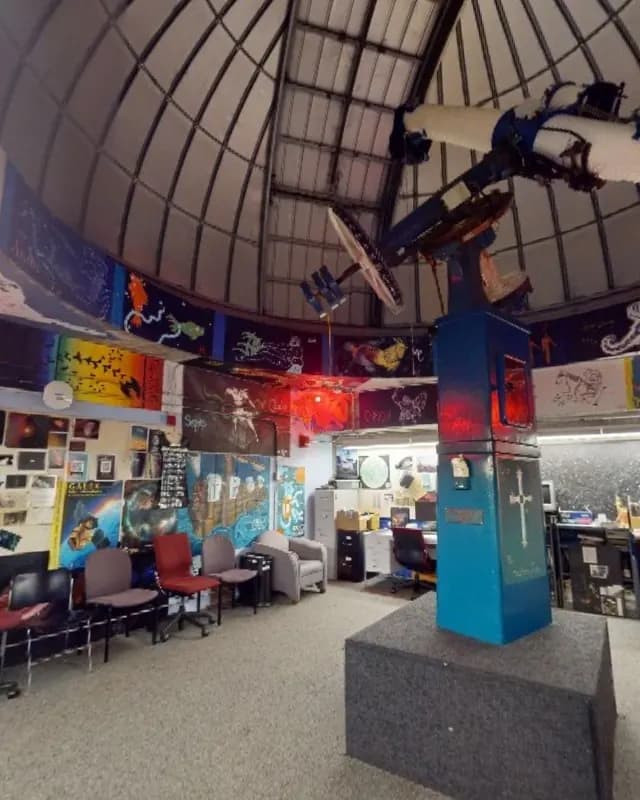
 Live demo (E57)
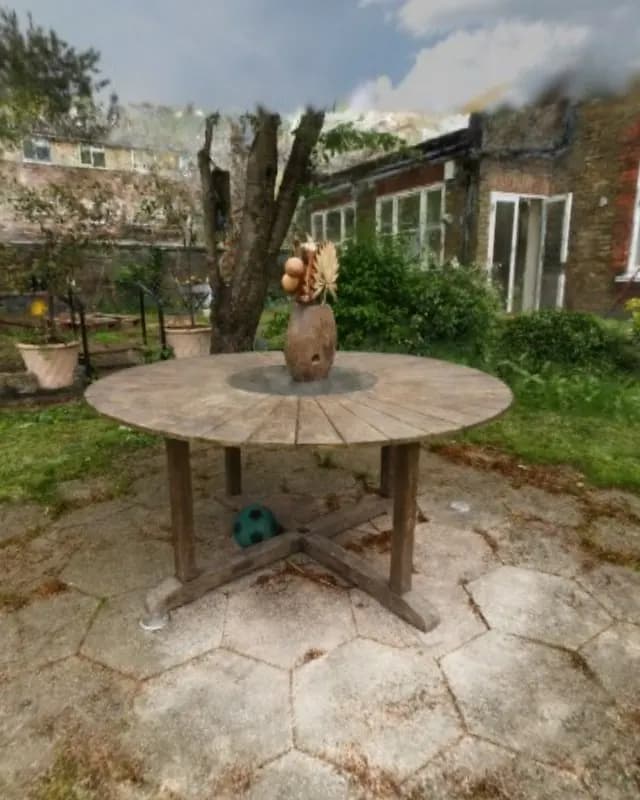 Live demo (3DGS)
360 videoto3DGS
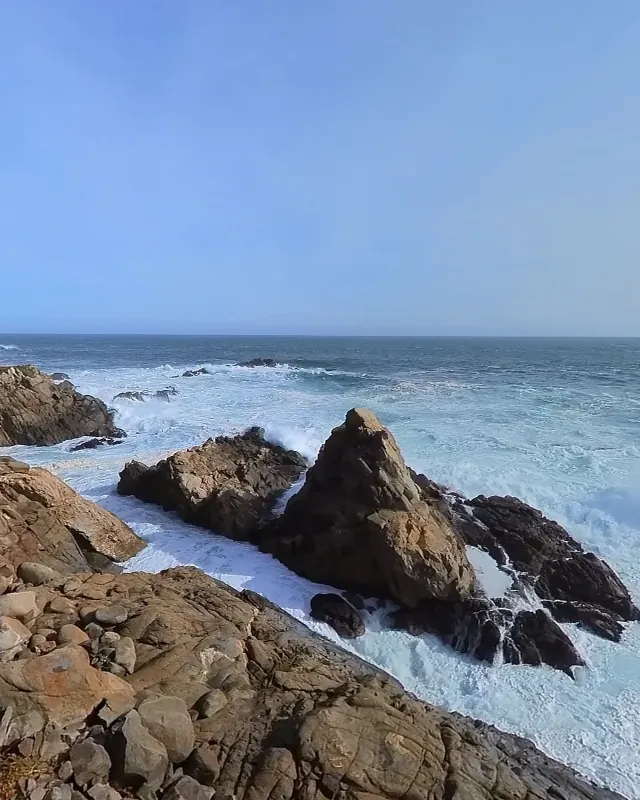
Frames from three short 360 videos of the Big Sur coast trained a Gaussian splat you can walk through.
Walk the Big Sur coast360 video
Upload a capture and Spacery turns it into a space with a guided tour.
Files from a laser scanner, a 360 camera or a phone all become a space on the web.
Read about every format, or move your spaces from Matterport.
A walk with a 360 camera becomes a space you can explore, and a Matterport scan becomes a tour you host.
Frames from three short 360 videos of the Big Sur coast trained a Gaussian splat you can walk through.
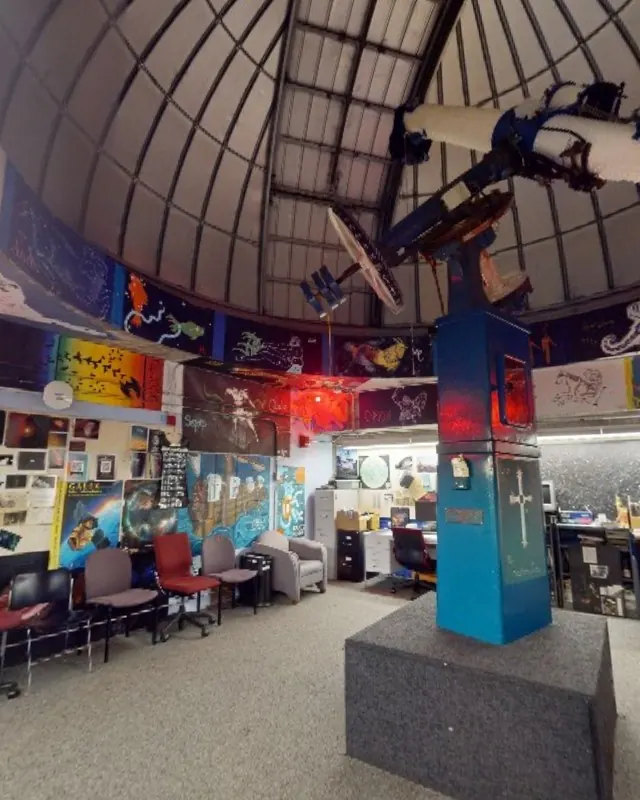
Walk the Big Sur coastThe six images Matterport keeps for every scan of this observatory became a tour you walk from scan to scan.
Visit the observatory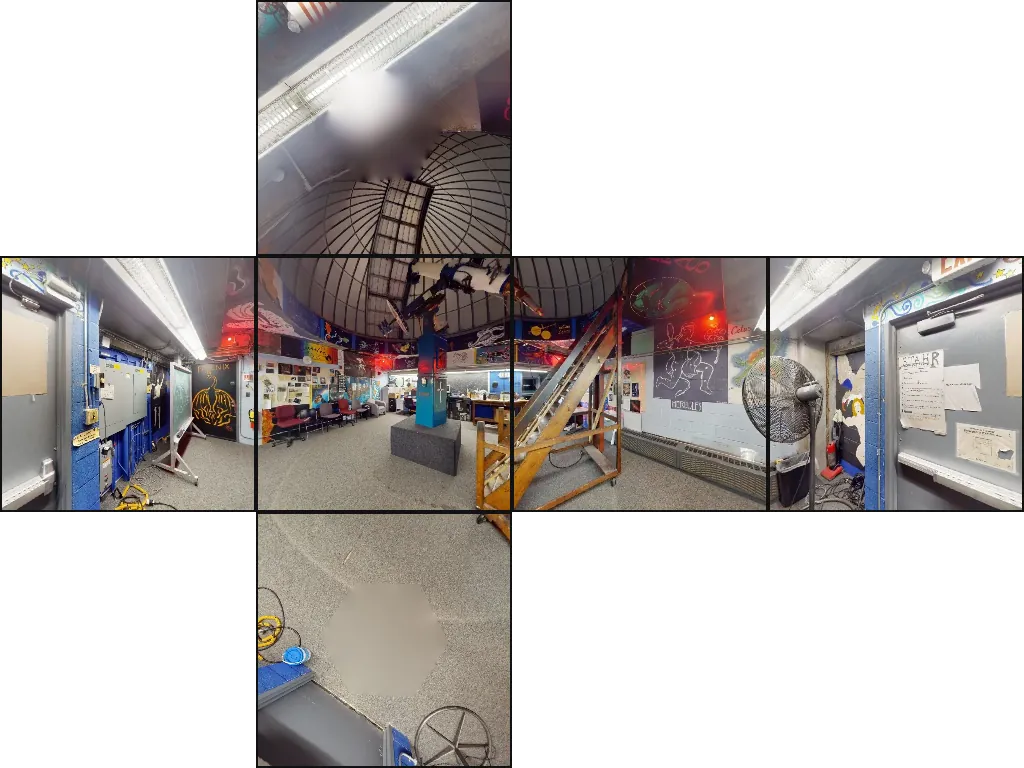 Matterport E57
They align the scans, build the model and plan a tour, then wait for you to approve it.
View example 3d captures from photographs that make 3d gaussian splats or captured with Lidar scanners, or combined versions of both!
Your agent finds the capture on your computer, uploads it and tells you when the space is ready.
Free to try. Hosting from $5 a month. See pricing
Publish the scan in my Downloads folder on Spacery.
Or run this once in a terminal.
claude mcp add --scope user spacery -- npx -y https://spacery.dev/agents/spacery-0.2.3.tgz